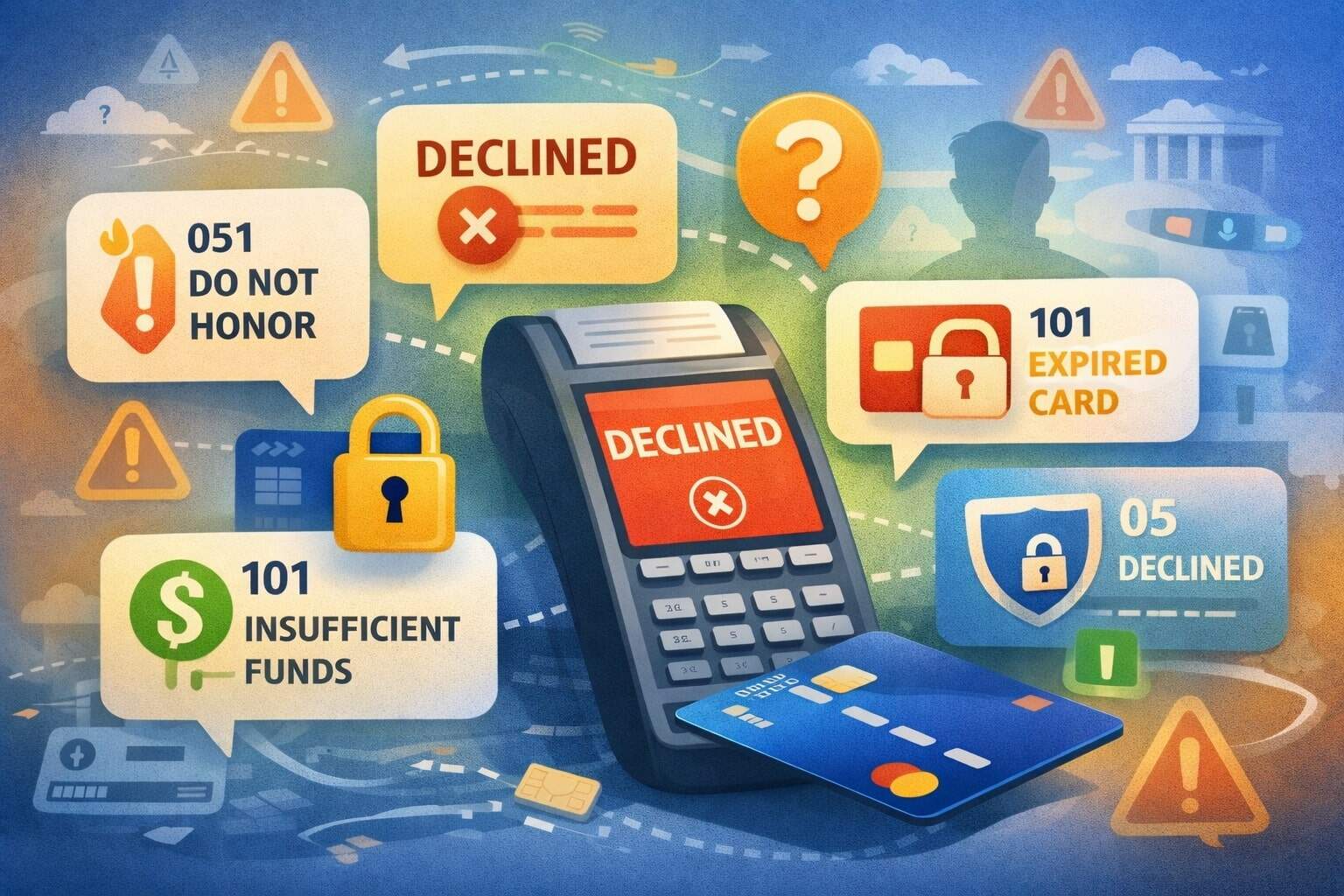
Payment decline codes are short numeric or alphanumeric signals returned during card authorization that explain why a transaction didn’t go through.
If you accept card payments online, in-store, or on mobile, you’ve almost certainly seen payment decline codes like 05 (Do Not Honor), 14 (Invalid Account Number), 51 (Insufficient Funds), 54 (Expired Card), or 91 (Issuer or Switch Inoperative).
These payment decline codes matter because they determine what you should do next: retry, ask the customer for a different payment method, request updated card details, prompt authentication, or stop immediately to avoid extra fees and risk.
Most payment decline codes ultimately come from the issuing bank (the customer’s bank) and travel back through the card network in the authorization response message.
In classic ISO-style messaging, the “response code” lives in the authorization response field commonly mapped to Data Element 39 (DE 39), which many network and platform references call out when describing how declines are returned.
This guide breaks down the most common payment decline codes, what they usually mean, and what to do about them—written for merchants who want fewer declines, higher approval rates, and a cleaner customer experience.
You’ll also find practical retry guidance, optimization tactics, and a forward-looking view of where payment decline codes are headed as fraud tools, authentication, and network rules evolve.
Why card transactions get declined in the first place
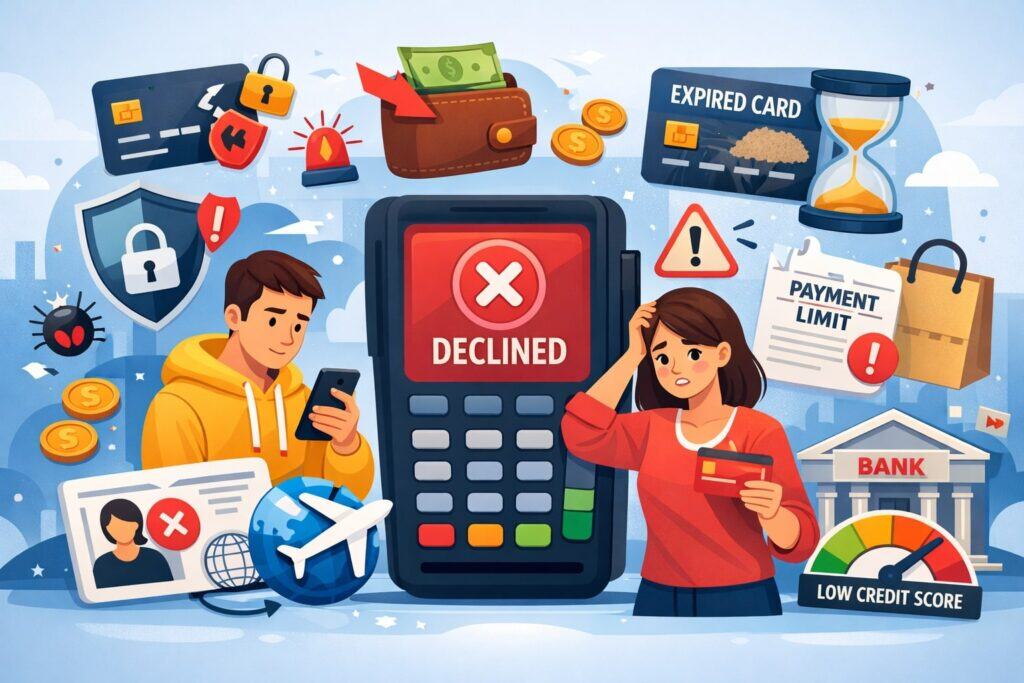
Payment decline codes are not “errors” in the simple sense—they’re outcomes of risk decisions, data checks, policy rules, and system availability.
A transaction can be declined because the customer typed the wrong expiration date, because the issuer suspects fraud, because the account lacks available funds, because the merchant configuration conflicts with network rules, or because the issuer’s systems are temporarily unavailable.
The same payment decline code can even represent multiple underlying causes, which is why the merchant response must be based on patterns, context, and smart fallback flows—not just a single label.
At a high level, declines fall into a few buckets. Customer-data declines happen when the PAN (card number), CVV, postal code, or expiration date doesn’t match what the issuer expects. Funds and limits declines happen when the account can’t support the amount, currency, or velocity.
Fraud and security declines happen when issuer models detect unusual behavior, the merchant’s fraud signals look risky, or the transaction requires additional authentication.
Permission and policy declines happen when the card, merchant category, or transaction type is restricted. Finally, technical declines happen when a system can’t route, times out, or malfunctions.
Understanding these buckets is the key to using payment decline codes correctly. If you treat every decline like “try again,” you’ll frustrate customers and can trigger network rules that penalize excessive reattempts.
Some networks publish additional decline guidance—such as decline categories and “don’t retry” signals—to reduce needless reattempts and improve ecosystem health.
Where payment decline codes come from and why they don’t always match

When a card payment is attempted, your gateway or processor routes an authorization request through the network to the issuer. The issuer replies with an approval or decline, often including a response code that becomes the payment decline code you see.
Many references describe this response code as being carried in the network response message and mapped to DE 39.
However, what you see in dashboards can be confusing because there are layers of codes:
- Network/issuer response codes (often numeric): These are the classic “05 / 14 / 51 / 54 / 91” style codes that represent issuer outcomes and network messaging.
- Gateway “decline codes” (often words like do_not_honor): Some platforms translate raw issuer responses into standardized labels (for example, “do_not_honor,” “insufficient_funds,” or “expired_card”) and may add their own categories for authentication or risk.
- Merchant configuration outcomes: Sometimes the “decline” is actually a rule on your side: blocked countries, blocked BINs, velocity limits, AVS/CVV settings, or duplicate filters. These may surface as internal codes or “merchant declined” events rather than issuer response codes.
Because of this layering, two merchants can run the same transaction and see different “reasons” depending on how the gateway normalizes results.
The most reliable way to troubleshoot payment decline codes is to capture both: the raw issuer/network response code and the gateway’s normalized decline reason, and then analyze them over volume.
Soft declines vs hard declines (and why retry behavior matters)
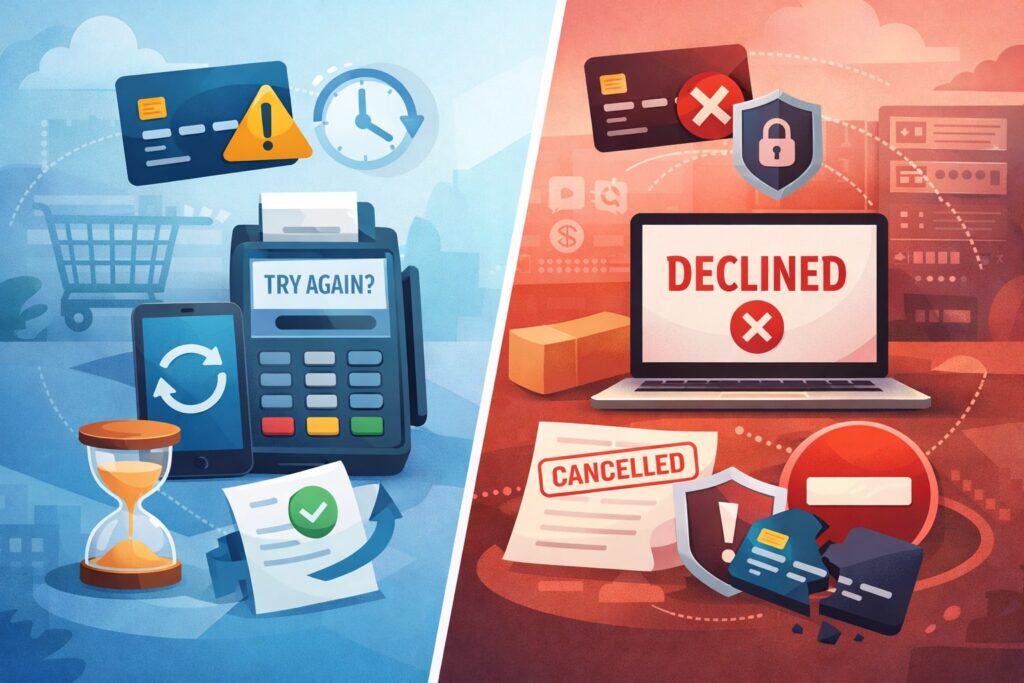
Not all payment decline codes should be handled the same way. A practical model is to separate declines into soft declines and hard declines:
- Soft decline: The issuer might approve if something changes—authentication is completed, a temporary block clears, a partial amount is attempted, or a retry is made later when systems recover. Soft declines include many “try later,” “issuer unavailable,” or “authentication required” outcomes.
- Hard decline: The issuer is signaling “do not retry,” because the account is invalid, the card is reported lost/stolen, the transaction is not permitted, or the data is wrong in a way that won’t fix itself by retrying.
Hard declines include invalid account number, expired card (if expiry truly passed), lost/stolen pickup responses, and some transaction-not-permitted responses.
Retry behavior matters for three reasons. First, repeated retries can annoy customers and hurt conversion. Second, excessive reattempts can increase fraud risk and degrade issuer trust in your merchant profile.
Third, some networks have explicit rules and fees aimed at discouraging “retry spam,” and they provide decline-related guidance intended to help merchants decide whether to reattempt.
A modern decline strategy uses payment decline codes as inputs to a decision tree: prompt customer, ask for another method, trigger authentication, retry later once, or stop immediately. The rest of this guide shows how to do that with common payment decline codes.
The most common payment decline codes and what to do about them
Below are the payment decline codes you’ll see most often in everyday merchant operations, grouped in a way that matches real troubleshooting workflows. The exact meaning can vary slightly by issuer and network, but the practical response is usually consistent.
Code 05 “Do Not Honor” and other generic declines
05 (Do Not Honor) is one of the most common payment decline codes—and also one of the least specific. It generally means the issuer is unwilling to approve the transaction but is not providing a detailed reason. Many processors and platforms treat 05 as a catch-all decline that can be triggered by anything from risk concerns to insufficient funds to account blocks.
What makes this payment decline code tricky is that the “fix” depends on context. If the customer is a returning buyer with a clean history and the basket is normal, the decline might be a temporary issuer block or a verification mismatch.
If the transaction is high value, cross-border, or unusual for that cardholder, the decline may be a risk-based rejection.
Best actions for merchants when payment decline codes show “05” patterns:
- Prompt the customer to contact their bank, especially if multiple attempts fail.
- Try a single, spaced retry only when your network guidance allows it and your risk signals are strong (device, customer history, stable shipping/billing).
- Offer an alternate payment method immediately (another card, wallet, bank transfer, BNPL) to save the sale. Some platforms explicitly recommend offering alternatives like BNPL to reduce declines tied to funds availability.
- Reduce false positives by improving address verification, consistent descriptors, and customer communication (so the transaction looks familiar).
In reporting, treat 05 as a “symptom.” You diagnose it by slicing: first-time vs returning customers, ticket size, device risk, shipping mismatch, and time-of-day. Over time, that turns “generic payment decline codes” into specific operational fixes.
Code 14 “Invalid account number” and data-entry declines
14 (Invalid account number / no such number) is a hard, data-quality payment decline code in most environments. It typically indicates the PAN is incorrect, incomplete, or not recognized by the issuer. In practice, it’s commonly caused by typos, copy/paste errors, or customers using a card that doesn’t support the transaction type being attempted.
When you see payment decline codes like 14, the most effective response is not retrying the same data—it’s correcting input:
- Ask the customer to re-enter the card number carefully.
- Ensure your checkout supports card scanning on mobile and proper formatting.
- Validate that you’re not stripping leading digits, altering spacing, or failing Luhn checks.
- Confirm that you’re passing required fields for the transaction type (ecommerce vs recurring vs MOTO).
Also watch for operational issues: token vault mismatches, corrupted stored credentials, or a failed account updater process that left an old token tied to a closed account. Some “invalid account” declines are actually “account closed” realities surfaced as data failures through certain processors.
Because 14 is among the most definitive payment decline codes, you should treat repeated 14 attempts as a stop signal. Continuing to hammer the issuer with the same invalid data can degrade your approval profile and create unnecessary risk flags.
Code 54 “Expired card” and “update your saved payment method” flows
54 (Expired card / expiration date missing) is one of the most straightforward payment decline codes. It usually means the card’s expiration date has passed—or that the expiration date provided doesn’t match what the issuer expects.
In subscription businesses, 54 is a leading cause of involuntary churn because customers don’t realize their saved card has expired.
Your goal with this payment decline code should be fast recovery:
- For one-time purchases: ask the customer to use a different card or update expiry.
- For subscriptions: trigger an in-app update prompt and send a simple “update your payment method” message with a secure link.
- Consider account updater and network tokenization strategies so expiring plastics don’t automatically break billing.
If 54 appears frequently, examine whether you’re passing expiry correctly, whether your tokenization strategy is consistent across channels, and whether you’re handling wallet tokens properly.
Many merchants reduce 54-driven declines by improving “stored credentials” hygiene—clearly marking recurring transactions and keeping customer consent and credential storage consistent.
Among payment decline codes, 54 is also a strong candidate for immediate fallback options (wallet, bank transfer, alternate card) because customers can’t “fix” an expired card without changing something.
Code 51 “Insufficient funds” and amount-related declines
51 (Insufficient funds / not sufficient funds) is a classic issuer decline. It often means the cardholder doesn’t have enough available balance (debit) or available credit (credit) to cover the authorization amount.
Some platforms highlight that merchants can reduce declines caused by insufficient funds by offering alternate options like BNPL.
Handling this payment decline code is about preserving the customer relationship:
- Use neutral language like “Your bank declined the payment. Try another method.”
- Offer another payment method right away.
- If your business model supports it, consider split tender or partial capture patterns (where permitted) to reduce friction.
- Avoid repeated retries in short windows—customers rarely gain funds in minutes.
Operationally, watch out for cases where your authorization amount differs from the displayed total, such as added tips, surcharges, deposits, or temporary holds. Customers can appear to have funds, but the issuer is authorizing a slightly higher amount than expected. Clear disclosure reduces confusion and support contacts.
In analytics, 51 is one of the payment decline codes where segmentation matters: new vs returning customers, debit vs credit, ticket size distribution, and time-of-month patterns. That can inform whether offering lower-cost items, pay-in-4, or bank payments will materially improve approval rates.
Code 57, 58, and “transaction not permitted” restrictions
57 (Transaction not permitted to cardholder) and 58 (Transaction not permitted to terminal/merchant) are restrictive payment decline codes.
They generally indicate that the issuer or network policy does not allow the attempted transaction—either because of card settings, product type, merchant category, transaction channel, or other permission rules.
These declines can show up when:
- A card is blocked for ecommerce but allowed in-store (or vice versa).
- The card has restrictions on certain merchant types.
- The transaction type (recurring, prepaid top-up, cash-like) is restricted.
- The cardholder’s account controls disallow the purchase.
Merchant response to these payment decline codes should be decisive:
- Don’t spam retries. If permission is blocked, retries don’t help.
- Prompt the customer to use another payment method or contact their bank to change settings.
- If you support alternative rails (wallet, bank transfer), present them prominently.
From a merchant optimization perspective, review whether your descriptor, MCC, or transaction flags are correct. Misclassification can trigger transaction-not-permitted declines. It’s also smart to ensure your checkout properly distinguishes ecommerce, recurring, and stored credential transactions so the issuer sees the right context.
Fraud and security payment decline codes: 59, CVV failures, and “pick up card” signals
Fraud-related payment decline codes are designed to protect the cardholder and the issuer. 59 (Suspected fraud) is a common example in many issuer-response lists. It signals that the issuer believes the transaction is risky.
You may also see CVV-related declines and verification failures depending on your gateway’s mapping. Some references list codes such as “N7 decline for CVV2 failure,” and broader “verification failed” style outcomes.
In gateway documentation, these can appear as normalized decline codes (like incorrect CVC) rather than numeric issuer codes.
Best practices for these payment decline codes:
- Do not keep retrying the same card with the same data.
- Ask the customer to double-check CVV and billing address.
- Offer authentication (where available) or suggest a different card.
- Improve fraud signaling: consistent billing/shipping, device fingerprinting, customer history, and velocity controls.
Some “pick up card” style responses (often associated with lost/stolen or special conditions) are strong “stop” signals. Even if they’re rare online, you should treat them as hard declines: do not retry, do not attempt workarounds, and route the customer to an alternate method.
Velocity and limit payment decline codes: 61, 65, and “too many attempts” (75)
Some payment decline codes indicate the issuer has enforced a limit: per-transaction limits, daily spending limits, cash advance limits, or velocity rules. 61 (Exceeds withdrawal amount limit) and 65 (Exceeds withdrawal frequency limit) appear in many response code lists and can surface in ecommerce contexts as issuer-enforced limits.
Another very common operational issue is 75 (Allowable number of PIN tries exceeded) or “too many attempts,” which can appear when the issuer believes repeated verification attempts are occurring, especially in certain debit or PIN-related flows.
Merchant handling for limit/velocity payment decline codes:
- Suggest the customer contact their bank if they believe the limit is incorrect.
- Offer a smaller amount if your product/service allows it.
- Switch the transaction type where appropriate (for example, use a different payment method rather than repeated card retries).
- Implement retry logic that is time-spaced and capped, so you don’t accidentally trigger “too many attempts” patterns.
From an optimization standpoint, monitor whether declines spike during promos, flash sales, or high-ticket launches. Issuers can become more conservative during unusual spend bursts. A smoother strategy is to offer alternative payment rails and design checkout to reduce repeated attempts with slightly changed data, which can look like fraud.
Technical and availability payment decline codes: 91, 96, and “re-enter” scenarios
Not all payment decline codes are about the cardholder. Some indicate that a system in the chain couldn’t complete the authorization. 91 (Issuer or switch inoperative) and 96 (System malfunction) are classic examples that show up across response code references.
These payment decline codes often mean:
- The issuer’s authorization system is down or unreachable.
- A routing switch is unavailable.
- A timeout or transient failure occurred.
- A system error happened in processing.
Unlike fraud or data declines, technical declines are where a carefully controlled retry can make sense:
- Retry once after a short delay (not instantly machine-gunning retries).
- If the customer is present, suggest they try again in a few minutes or use another method.
- Log the incident and correlate with provider status pages and processor telemetry.
To reduce these payment decline codes over time, you can:
- Use smart routing (where available) and resilient gateway configurations.
- Monitor issuer response patterns by BIN and time-of-day.
- Implement idempotency and duplicate handling so retries don’t create duplicate orders.
Technical declines are also where customer messaging matters. “Your bank is temporarily unavailable” is more accurate than “Your card was declined,” and it prevents customers from abandoning a perfectly good payment method.
Authentication-related declines and modern gateway decline codes
As ecommerce has evolved, many declines now revolve around authentication and issuer confidence rather than basic card data. Some gateways surface payment decline codes like authentication_required or similar, meaning the payment needs an additional customer verification step.
In modern checkout, these authentication-driven payment decline codes are a chance to save the transaction if you handle them correctly:
- Trigger an authentication flow (commonly based on 3DS-style challenges when applicable).
- Avoid treating “authentication required” as a hard decline. It often becomes an approval after the customer completes the step.
- Design UI to minimize drop-off: clear explanations, fast redirect/return, and mobile-friendly challenge screens.
This is also where “soft decline” thinking becomes crucial. Authentication-driven declines are not “no.” They’re “prove it’s the right customer.” When merchants implement authentication gracefully, they can see improved approval rates for riskier segments while keeping fraud loss under control.
If you’re operating in the United States market (for example, using AVS and CVC checks heavily), authentication may be selectively triggered depending on issuer rules and transaction risk signals.
Strong customer data, consistent device signals, and clean order patterns can reduce unnecessary friction, while still allowing authentication to rescue borderline transactions when needed.
Smart retry strategy: how to reduce declines without triggering penalties
A good decline strategy uses payment decline codes to decide whether to retry, when to retry, and what to change before retrying. The biggest mistake is “blind retries” with identical data.
Networks and processors increasingly discourage repeated reattempts and may apply fees or other consequences when merchants retry transactions that are clearly not going to be approved.
Some network-aligned guidance highlights decline categories designed to help merchants avoid excessive reattempts.
A practical retry playbook tied to payment decline codes looks like this:
- Do not retry (hard stop): invalid account (14), transaction not permitted (57/58), lost/stolen pickup signals, clear CVV failure patterns after one correction attempt.
- Retry once later (soft technical): issuer unavailable (91), system malfunction (96), timeouts—especially if your logs show transient issues.
- Retry only after change: expired card (54) only after updated details; insufficient funds (51) only after customer chooses a different method; suspected fraud (59) only after authentication or alternate method.
- Use authentication rescue: gateway codes like authentication_required should route into verification, not into repeated authorization attempts.
Also, remember that retry logic should be paired with customer experience. If a customer is actively clicking “Pay,” you can allow a second attempt after correcting data. But background, automated retries should be capped, spaced out, and guided by payment decline codes plus network “do not retry” signals where available.
Merchant-side fixes that reduce payment decline codes fast
Many payment decline codes are issuer decisions, but merchants still control a lot of the inputs that influence those decisions. If you want fewer declines, focus on these levers:
Improve data quality and verification signals
Typos and mismatches are avoidable. Use address autocomplete, clear input formatting, Luhn validation, and real-time error messages. Collect billing postal code and CVV when appropriate, because verification signals can improve issuer confidence. When gateways normalize declines into “incorrect data” codes, take them seriously and optimize input UX.
Reduce fraud false positives without “opening the floodgates”
False declines happen when risk tools block good customers. Use layered fraud controls (velocity + device + behavioral signals) rather than blunt rules. For “do not honor” and suspected fraud payment decline codes, segment by customer history and purchase pattern so you’re not blocking loyal buyers.
Clarify descriptors and customer communication
A surprising number of declines come from cardholders not recognizing the merchant name. Better descriptors don’t change payment decline codes directly, but they reduce disputes, reduce issuer skepticism over time, and improve customer trust when they call their bank.
Use alternative payment methods strategically
When payment decline codes indicate funds issues or issuer conservatism, offering wallet payments, bank payments, or BNPL can save the sale. Some documentation explicitly notes BNPL as a way to minimize declines due to insufficient funds.
Future prediction: where payment decline codes and approvals are heading
Payment decline codes aren’t going away, but how merchants use them is changing fast. Three trends are shaping the next few years:
- More structured decline guidance and “don’t retry” enforcement: Networks are increasingly motivated to reduce unnecessary reattempts.
Expect continued expansion of decline category signaling and policies that penalize retry spam. Merchants who build “decline intelligence” systems—using payment decline codes plus customer context—will outperform those who brute-force retries. - More authentication-as-rescue, less authentication-as-friction” Issuers want higher confidence without hurting conversion.
Gateways already expose authentication-driven decline codes and recommend prompting customers to authenticate rather than failing the sale. Over time, merchants will rely more on adaptive authentication flows that trigger only when needed. - Better tokens, better lifecycle management, fewer “card changed” failures: As tokenization and account updater strategies mature, merchants should see fewer “expired” and “invalid account” decline patterns for stored credentials—especially in subscriptions.
The winners will be merchants who treat payment decline codes as operational feedback loops and continuously improve billing hygiene.
The practical takeaway: approval optimization is becoming a discipline. Payment decline codes will remain the language of failure states, but the best merchants will treat them as inputs to automated recovery, better UX, and smarter routing—reducing both declines and fraud at the same time.
FAQs
Q.1: What are payment decline codes in simple terms?
Answer: Payment decline codes are short values returned during authorization that tell you why a transaction didn’t go through. They can come from the issuer/network as numeric codes (like 05, 14, 51, 54, 91) or from a gateway as normalized labels (like do_not_honor or authentication_required).
Q.2: Are payment decline codes the same across all networks and processors?
Answer: Many common payment decline codes are broadly consistent because they’re tied to standard issuer response signaling. However, gateways can map and label declines differently, and some processors add extra categories or advice fields. That’s why it’s best to log both the raw issuer response and the gateway decline reason when possible.
Q.3: Should I retry a declined transaction automatically?
Answer: Only sometimes. Payment decline codes tied to technical issues (like issuer unavailable or system malfunction) may justify a limited retry. But codes like invalid account, transaction not permitted, or strong fraud signals should not be retried repeatedly.
Over-retrying can create extra fees and approval damage, and networks publish guidance to reduce excessive reattempts.
Q.4: What does “Do Not Honor” mean, and why is it so common?
Answer: “Do Not Honor” is a generic issuer decline that doesn’t specify a single cause. It can reflect risk concerns, account restrictions, verification issues, or other issuer logic.
Because it’s ambiguous, merchants should handle it with customer-friendly prompts, alternate payment options, and better risk/data signals rather than repeated blind retries.
Q.5: How can I reduce payment decline codes in my business?
Answer: Start with the highest-impact fixes: improve checkout data quality, reduce fraud false positives, implement smart authentication flows for authentication-related declines, and offer alternative payment methods when funds issues occur.
Also build analytics around payment decline codes by BIN, customer type, and order attributes so you can target the real drivers of declines.
Conclusion
Payment decline codes are one of the most practical tools you have for improving approvals—if you treat them as decision signals instead of dead ends. The core idea is simple: different payment decline codes require different next steps. A
generic decline like 05 needs context and a graceful fallback. A data-quality decline like 14 needs corrected input, not retries. A funds decline like 51 needs another method or a different amount.
A restriction decline like 57 needs a new rail. A technical decline like 91 may justify a carefully capped retry. And authentication-related declines should push customers into verification rather than failing the sale outright.
When you build a checkout and billing system that responds intelligently to payment decline codes—tight UX, clean data, smart retries, authentication rescue, and alternative methods—you don’t just reduce declines.
You improve customer trust, lower support volume, and protect your merchant profile for the long run. And as networks add more structured “don’t retry” guidance and authentication becomes more adaptive, merchants who operationalize payment decline codes as a feedback loop will be best positioned to keep approval rates high in the years ahead.